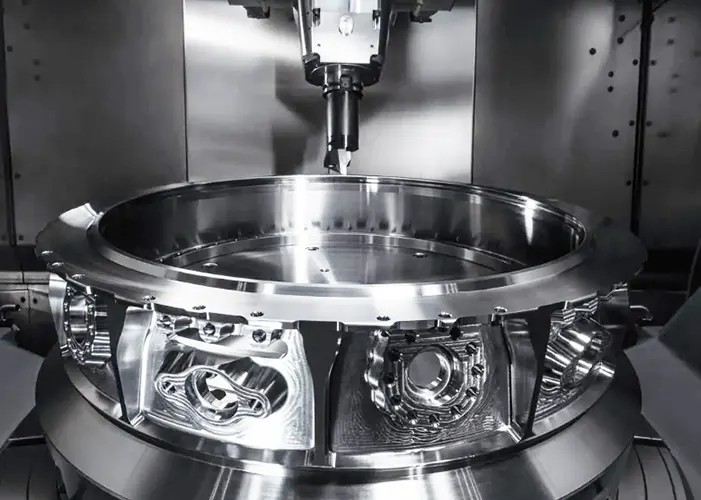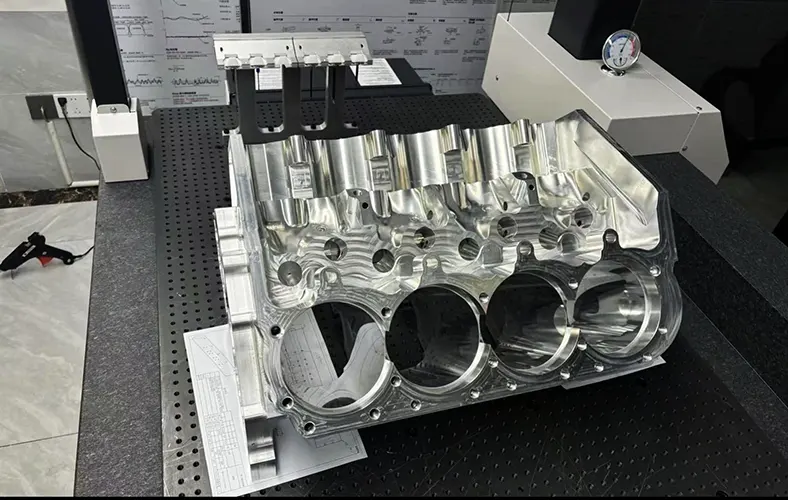
CNC machining simulation

CNC machining simulation is the process of virtually replicating the CNC machining process on a computer before actual cutting begins.

It uses specialized software to simulate tool motion, material removal, and machine behavior, allowing engineers and machinists to check for errors, collisions, toolpath inefficiencies, or dimensional issues in advance.

In short: CNC simulation = “Test the machining digitally before cutting real material.”


⚙️ Why CNC Simulation Matters

CNC machining involves high speeds, expensive tools, and tight tolerances. Even a small programming or setup error can cause:

  • Machine crashes 🧱

  • Tool breakage 💸

  • Scrapped workpieces 🚫

  • Lost production time ⏱️

Simulation helps prevent all that by catching issues early.


🛠️ Key Functions of CNC Machining Simulation

Function Description
🌀 Toolpath verification Visualizes how the tool moves along the programmed path.
🧱 Collision detection Detects interference between the tool, workpiece, fixture, or machine components.
🧩 Material removal simulation Shows how material is cut away layer by layer to form the final part.
⚙️ Machine kinematics Simulates the motion of real machine axes (e.g., 3-axis, 5-axis).
🔍 Error checking Identifies overcuts, gouges, or undercuts in the final geometry.
📏 Tolerance & surface check Measures final part dimensions and surface finish virtually.

🧩 CNC Simulation Workflow

  1. Import CAD/CAM Data

    • Load the 3D model and the generated CAM toolpaths (G-code or native CAM format).

  2. Set Up the Virtual Machine

    • Define the machine model (3-axis, 5-axis, lathe, etc.) and import tool geometry, fixtures, and stock material.

  3. Run Material Removal Simulation

    • Watch a 3D animation of how the tool cuts the part.

    • Check for collisions or missing machining areas.

  4. Analyze Results

    • Compare the finished virtual model to the design (CAD) to measure deviation.

  5. Optimize Parameters

    • Adjust speeds, feeds, toolpaths, or approach angles to improve efficiency and safety.

  6. Generate Verified G-code

    • Export the final, error-free code to run safely on the real CNC machine.


🧠 Common CNC Simulation Software

Software Key Features
Vericut (CGTech) Industry standard for collision checking and G-code verification.
Mastercam Simulator Integrated with CAM, ideal for toolpath validation.
Fusion 360 Simulation Combines design, CAM, and simulation in one platform.
NX CAM Simulation Advanced multi-axis and machine-specific simulation.
SolidCAM / Esprit Real-time material removal and virtual machine operation.

🚀 Benefits of CNC Machining Simulation

Avoid costly machine crashes
Save setup time and material waste
Optimize machining parameters
Improve surface quality and accuracy
Enhance safety and confidence before production


💡 In Short

CNC machining simulation is a digital trial run that predicts how machining will perform in the real world.
It helps manufacturers detect problems early, improve efficiency, and ensure precision — all without risking tools or materials.

Advanced Strategies for Optimizing Multi-Axis Toolpaths in Engine Block Machining

With the rapid development of the automotive industry, the sector’s demands for engine block CNC machining quality and efficiency continue to rise. As one of the core components of an engine, the engine block features complex free-form surfaces that require high-precision machining using five-axis machining centers.

Advanced Strategies for Optimizing Multi-Axis Toolpaths in Engine Block Machining Read More »

Engine Block
Scroll to Top